
What to take from this
- Decide what information should accompany a return and what the warehouse does when it is missing.
- Specify who can approve restocking, quarantine, rework, disposal, or a return to the brand.
- A returned parcel may be physically present while its contents remain unavailable.
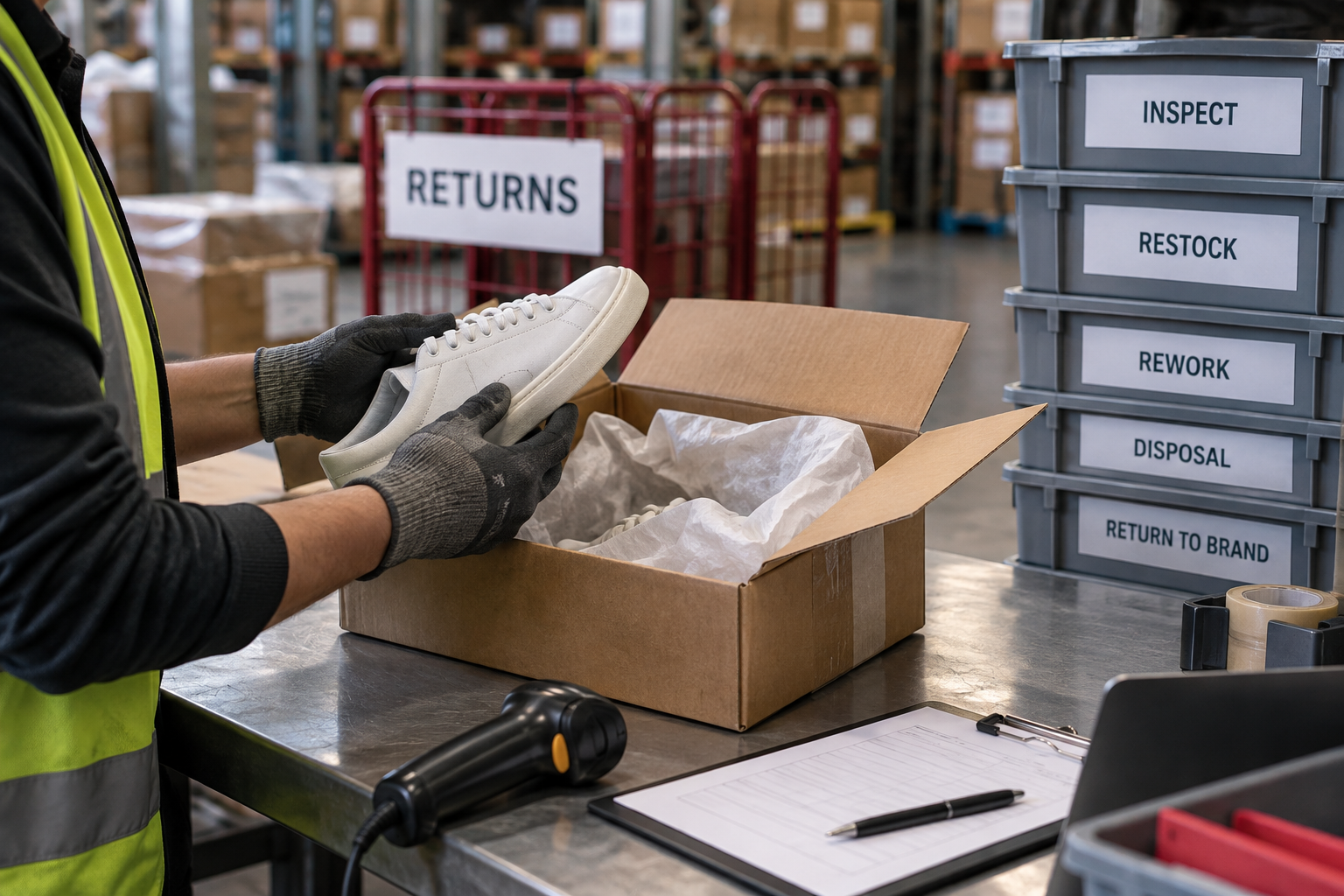
- Identify the return
- Inspect against instructions
- Approve a disposition
- Update stock and customer teams
Identify the returning item
Decide what information should accompany a return and what the warehouse does when it is missing. Record the order reference, SKU, quantity, and observed condition where relevant. Keep the customer’s stated reason separate from the condition found during inspection. Those records answer different questions and may lead to different next steps.
Set disposition rules by product
Specify who can approve restocking, quarantine, rework, disposal, or a return to the brand. Products do not all have the same resale conditions. Ask the provider to demonstrate how your approved instructions appear to the person inspecting the item. Product-specific safety, quality, and regulatory decisions should come from the people qualified to make them for your business.
Watch the inventory status change
A returned parcel may be physically present while its contents remain unavailable. Trace the status changes from received to inspected to the approved disposition. Ask how unusable or uncertain stock is kept separate in both the warehouse and the system. Test what happens when the returned item does not match the expected SKU or quantity.
Connect the warehouse and customer teams
Determine which record allows your customer-service team to act and whether any additional approval is required. Avoid assuming the warehouse inspection automatically triggers a refund or replacement. Review how long items remain unresolved and why. A useful returns report helps you find repeated packaging, description, or handling issues as well as reconcile the inventory that can go back on sale.
Put the guide to work
Use the downloadable worksheet to record your requirements, the evidence you receive, and the next action. The rows below are prompts for your own evaluation; they contain no provider scores or claimed results.
| Discussion item | Record before deciding |
|---|---|
| Identify the return | Your requirement and the proposed approach |
| Inspect against instructions | Supporting document, example, or calculation |
| Approve a disposition | Remaining question and the person responsible |
| Update stock and customer teams | Decision, review date, and next step |
Download the editable worksheet (CSV)
Opens in Excel, Numbers, or Google Sheets. Fill in your own information; downloading does not submit a request.
Continue your research
Use these profiles to prepare provider-specific questions: ShipWizard · Radial · Tondo Fulfillment. Inclusion here is a reading suggestion, not a scored recommendation. Category selections are explained on the relevant category pages.
Research scope and provider sources
This is original buying guidance, not an account of a facility visit or a customer interview. Examples are hypothetical. Provider sources support their published service descriptions; confirm the proposed account scope directly.
 THE OPERATIONS DESK
 WORKFLOW BREAKDOWN